
All guides
Bulk Account Position report
Check overdue and upcoming balances across many clients at once, instead of one at a time.
- 1
Open Reports → Account Position
The report runs across the Personal Tax clients you select and returns a bulk report of every client's overdue and upcoming tax payments position in a single dashboard.
- 2
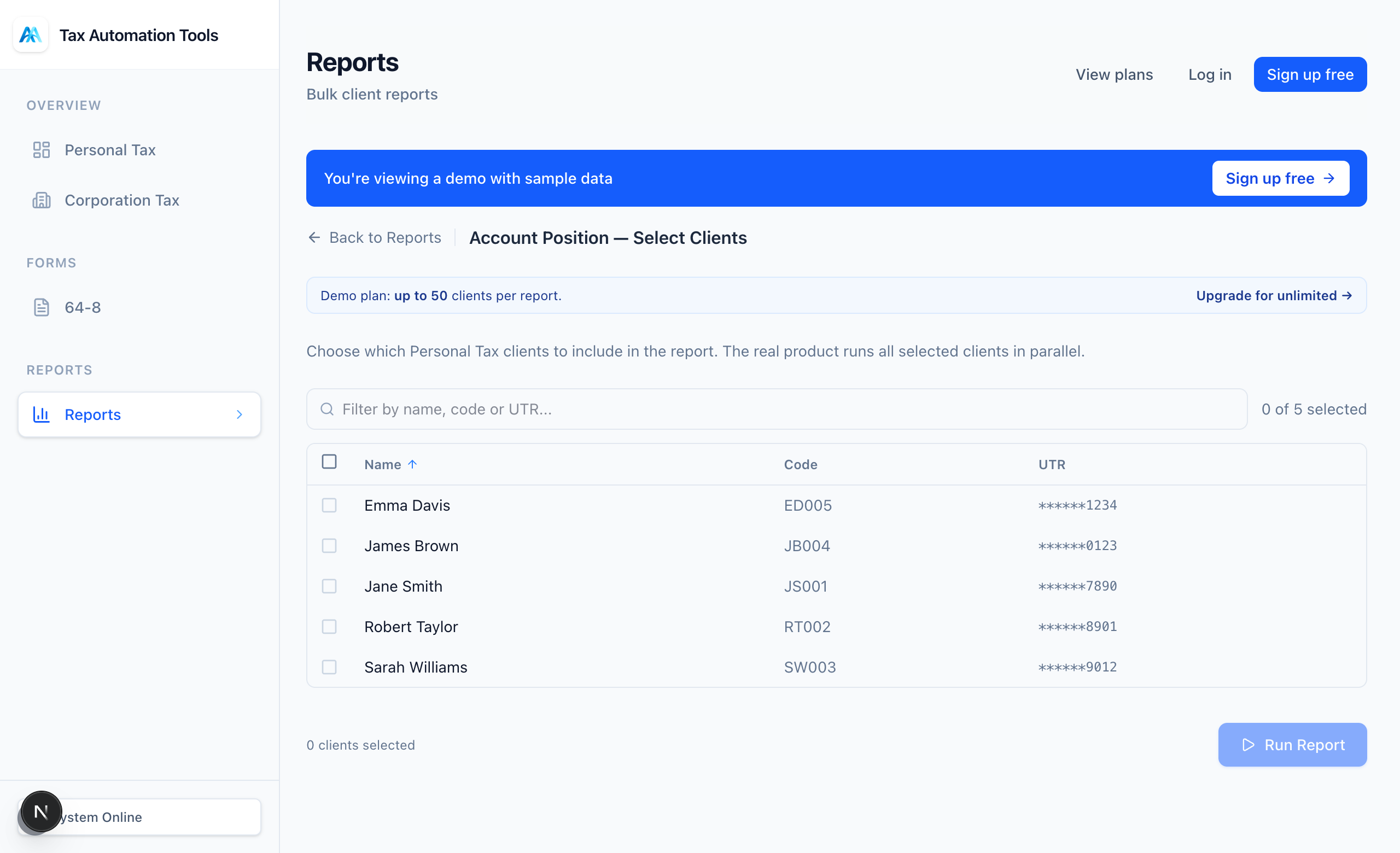
Select your clients
Tick the clients to include, or select all. A live count and time estimate update as you go.
- 3
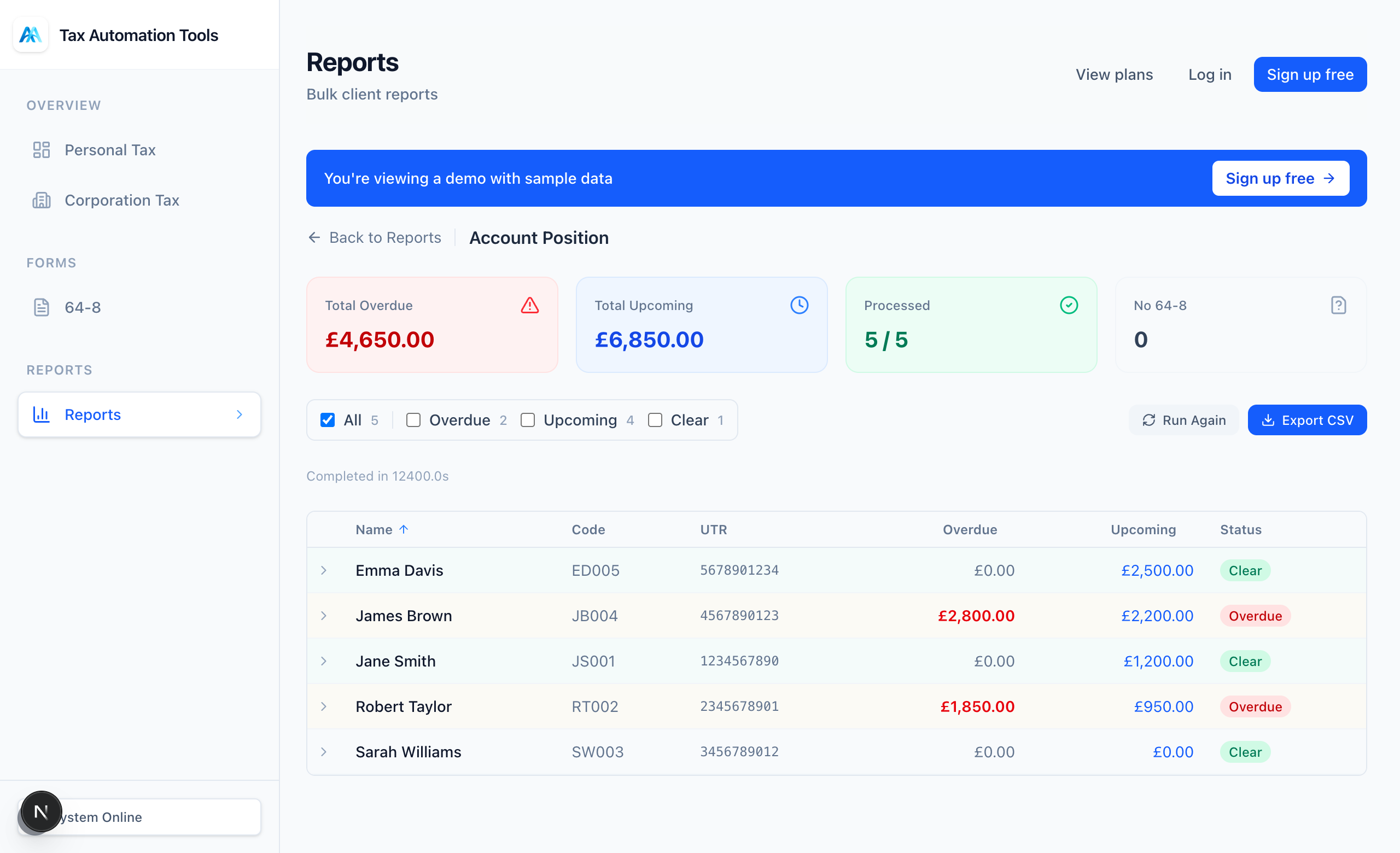
Run and review
Progress is shown as it works through each client. The results dashboard lets you filter to just the clients with something due, sort, and expand any client for the detail.
Ready to try it?
The Free plan includes 10 tasks a month and takes about a minute to set up - no card required.