
Running tax tasks
Pull a single piece of HMRC information for one client - the building block everything else is made of.
- 1
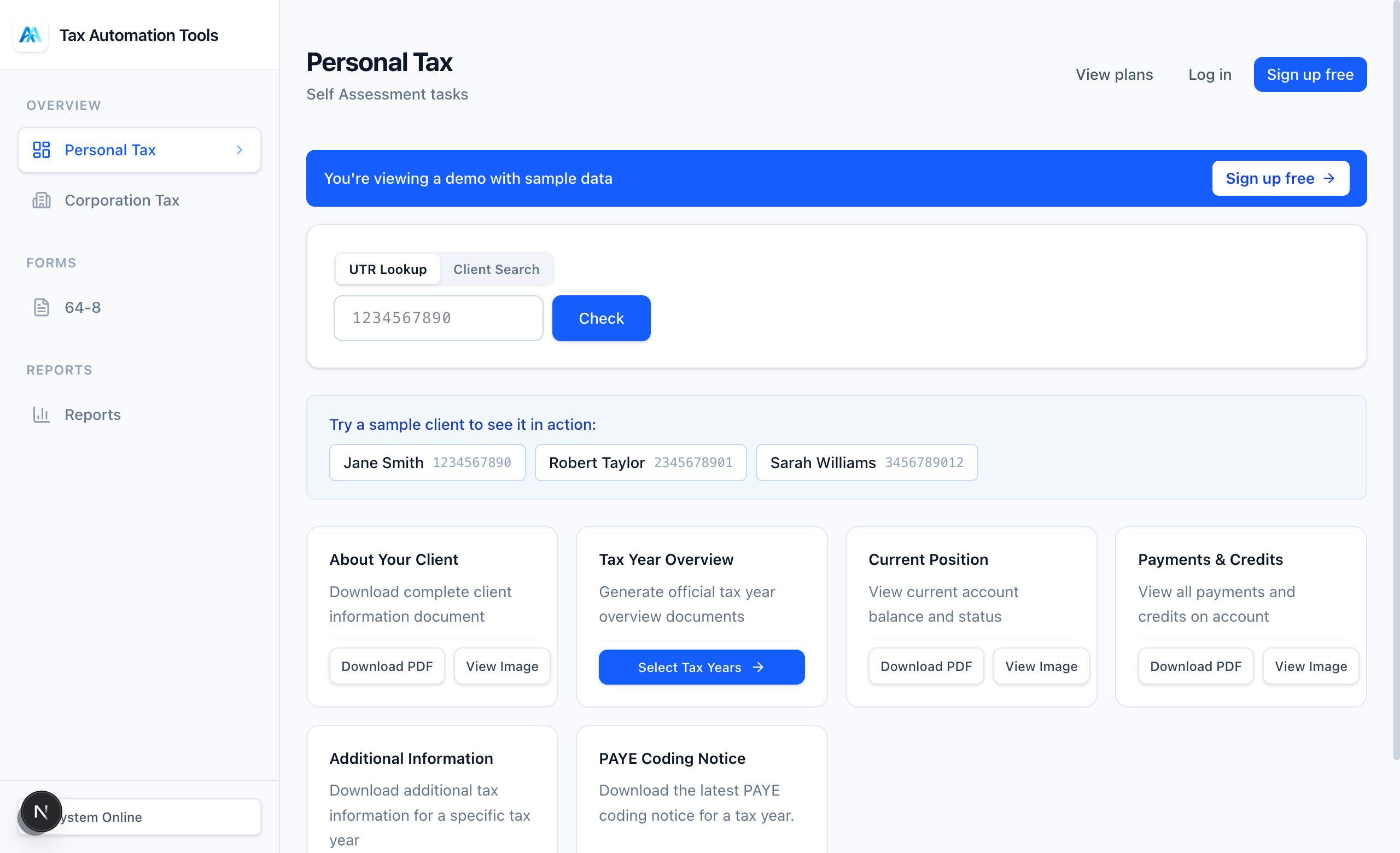
Choose Personal or Corporation Tax
The two sections work the same way. Personal Tax covers Self Assessment; Corporation Tax covers company filings and balances.
- 2
Enter a UTR or load a client
Type a 10-digit UTR, or pick from your recent UTRs or saved client list. The client name confirms you have the right record before you run anything.
- 3
Pick a task and output format
Each task can return a PDF, an image, or structured data. PDF is best for filing notes; data is best if you are feeding another system.
- 4
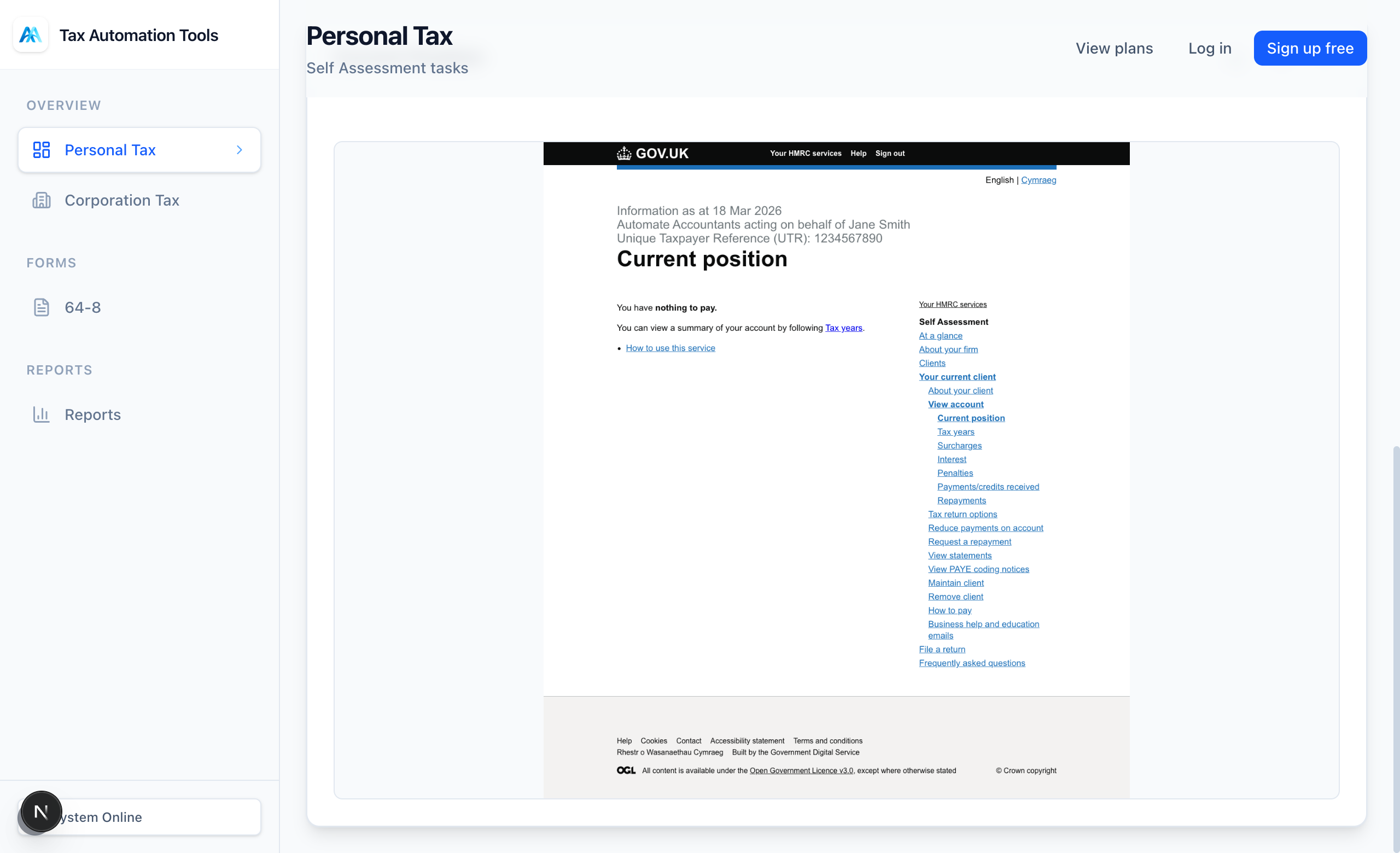
Pin or download the result
Pin a result to keep it on screen while you run more, or download it straight away. Pinned results stack so you can compare clients side by side.
Ready to try it?
The Free plan includes 10 tasks a month and takes about a minute to set up - no card required.